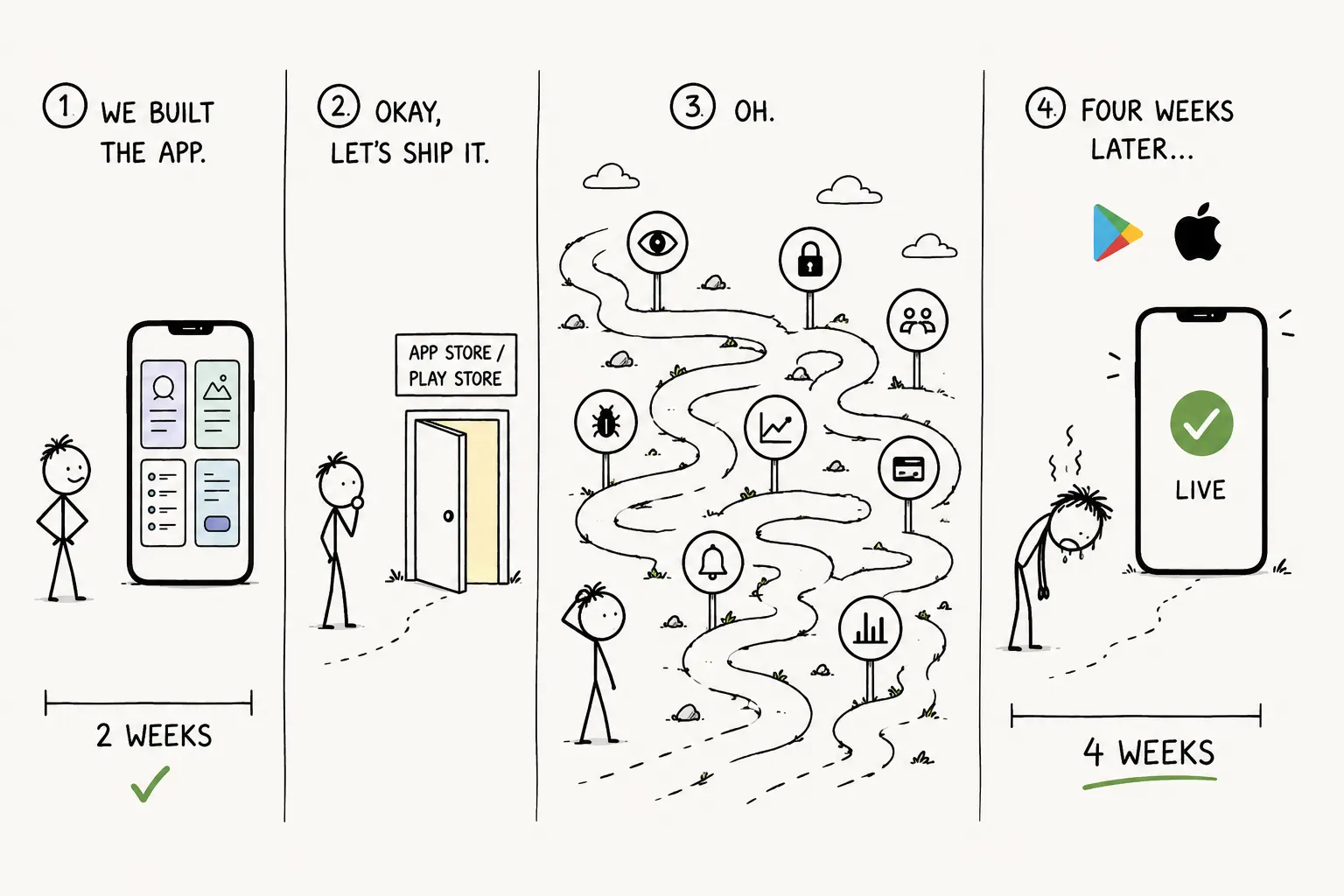
We built a mobile app last quarter. Two weeks of work. Four screens. Nothing clever.
Getting it into the stores took another four weeks. Almost none of that was engineering.
Here is where the time went, and what I would do differently. This is the post I wanted before we started.
1. They reject you for how it looks, not what it does
We were rejected under guideline 4.3(a). Design: Spam.
The app was not spam. But it looked like a template, because it was shaped like one. Default components. Stock icon. A description written by roughly the same tool that wrote the app.
The reviewer is matching a pattern, and the pattern is real. Apps built with the same tools look the same, and they look like clones.
Three things got us through. A hand-made icon. Custom empty states, which are the screens nobody bothers to change. And a description written like a person wrote it.
If you get rejected for 4.3, do not resubmit the same build with new words. Change something you can see.
2. The forms are a gate, not paperwork
Privacy labels on iOS. The Data Safety form on Play. Export compliance.
I thought these were admin. They are part of review, and if what you declare does not match what your app does, you get held.
The trap is that your declarations cover your SDKs, not just your own code. You may collect nothing. Your analytics SDK collects device identifiers. Your crash reporter collects diagnostics. If you ticked "no data collected," you have made a false statement on behalf of your dependencies.
So: list every third-party SDK in your build, find each one's published disclosure, and take the union. The big SDKs all publish this, because their customers need it.
3. Play makes new accounts run a closed test first
If your Play developer account is personal and recently created, you need a closed test with real testers, running for a while, before you can publish to production. Real people on real devices.
Most people find this out on the day they try to ship. That is how a launch slips by weeks.
Start finding testers on day one. And if you need an organisation account instead, you need a D-U-N-S number, which also takes time. Decide early.
4. Installing a crash SDK is about a tenth of the job
We shipped with crash reporting installed and felt good about ourselves.
Three weeks later I opened the dashboard. Every report was unreadable hex. We had never uploaded dSYMs. Three weeks of data, worthless.
Five things have to be true:
Symbols upload on every build, from CI. dSYMs on iOS, mapping files on Android, source maps for React Native, Flutter or Expo. If a human has to do it, it will not get done.
Releases are tagged. "We have crashes" tells you nothing. "Build 47 broke checkout" tells you what to do.
Alerts fire on your crash-free rate, not on each crash. Alert on every crash and you will mute the channel inside a week. Then you have no alerting and you think you do.
You sort by users affected, not by count. One user stuck in a retry loop can produce thousands of events and sit at the top of your list.
You watch for a week after you fix something. A fair number of our fixes did nothing.
5. Both stores give you free A/B testing. We almost didn't use it.
Play has Store Listing Experiments. App Store Connect has Product Page Optimization, up to three versions against your original for up to 90 days.
Free. Sitting right there.
We tested three icons. The one I would have picked came third. The winner was a lot better on installs and I still do not like it.
We got two things wrong first. We tested during launch week, when the traffic is your friends and your launch post, not search. The winner stopped winning as soon as that traffic went away. And we changed the icon and the screenshots at the same time, so we learned nothing about either.
Test the icon first. It is the only thing that shows up in search, on the home screen, and on the listing.
6. Timing your paywall matters more than the paywall itself
We put the paywall on first launch, because that is where the tutorial put it. Trial to paid was 2.4%.
We moved it to day 3. It went to 7.1%. Same paywall. Same price. Same words. We just stopped asking strangers for money nine seconds after meeting them.
To find the right moment, look at people who were still around on day 7 and find what they did in their first session that the people who left did not. That is your activation moment. Ask after it.
One thing worth knowing. With RevenueCat, Superwall or Adapty, the paywall is remote-configurable. You can test it without shipping a build. Most teams do not know this and treat the paywall as fixed at launch.
7. You get one shot at notification permission
Ask on first launch and you will be refused. On iOS that refusal is close to permanent, because the user has to go into Settings to change it. Android 13 and up now works the same way.
There is a way around it that is easy to overlook. iOS provisional authorization delivers notifications quietly, with no prompt at all. The user decides from the notification itself whether to make them prominent or turn them off. You give up prominence and you get reach. For a new app that is a good trade.
Separately, we had push set up for two months before we sent a single notification. Not because it was hard. Writing notifications that people don't immediately mute is real work, and nobody owned it.
8. Name your events once
We had four spellings of the same thing.
checkout_start
Checkout Started
begin_checkout
checkoutStart
Every funnel we looked at for six weeks was wrong. We made decisions from those funnels.
Pick the convention before you instrument anything. One name per action. Put it in a file in the repo. Treat a new event name in a pull request as something worth arguing about.
You only need enough to answer four questions.
- Did they arrive.
- Did they start using it.
- Did they come back.
- Did they pay.
The rest is noise.
If I did it again
Before writing a line of feature code:
- Sort out the developer account, including D-U-N-S if you need one.
- Start finding Play testers.
- Decide the event names.
- Wire crash reporting properly, with symbols uploading from CI.
- Collect your SDKs' data disclosures before filling in any form.
- Draw the icon by hand.
- Instrument the activation moment, then decide where the paywall goes.
- Ask for notifications after first value, or use provisional auth.
None of it is hard. All of it is invisible until it costs you weeks.
Building an app and want help after launch? Get early access to Deckhand.